
Validate your intranet with real employees before you build
We run research, participatory information architecture, and interactive prototype testing. Your build starts from evidence about how your people work.
Get the direction right before build
Most SharePoint programs skip the research. Teams pick a navigation and approve a design from screenshots. Then they find the gaps during user acceptance testing, when changes are slow and costly.
We learn how your business works and propose an intranet or digital workplace that fits. Then we test it with your employees. Build spend starts only after that.
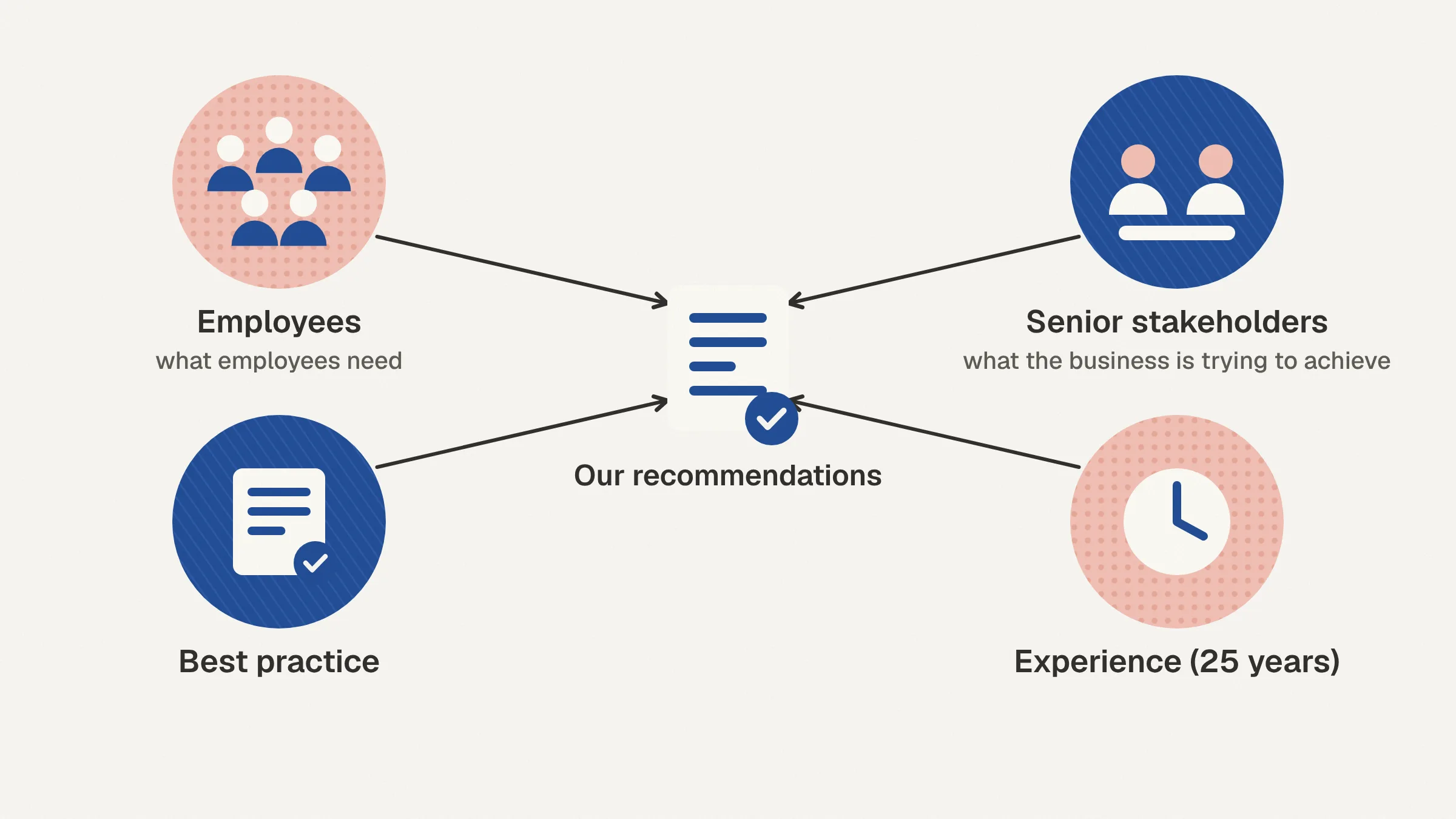
We have 25 years of SharePoint intranet experience (since 2001). The method below comes from that work.
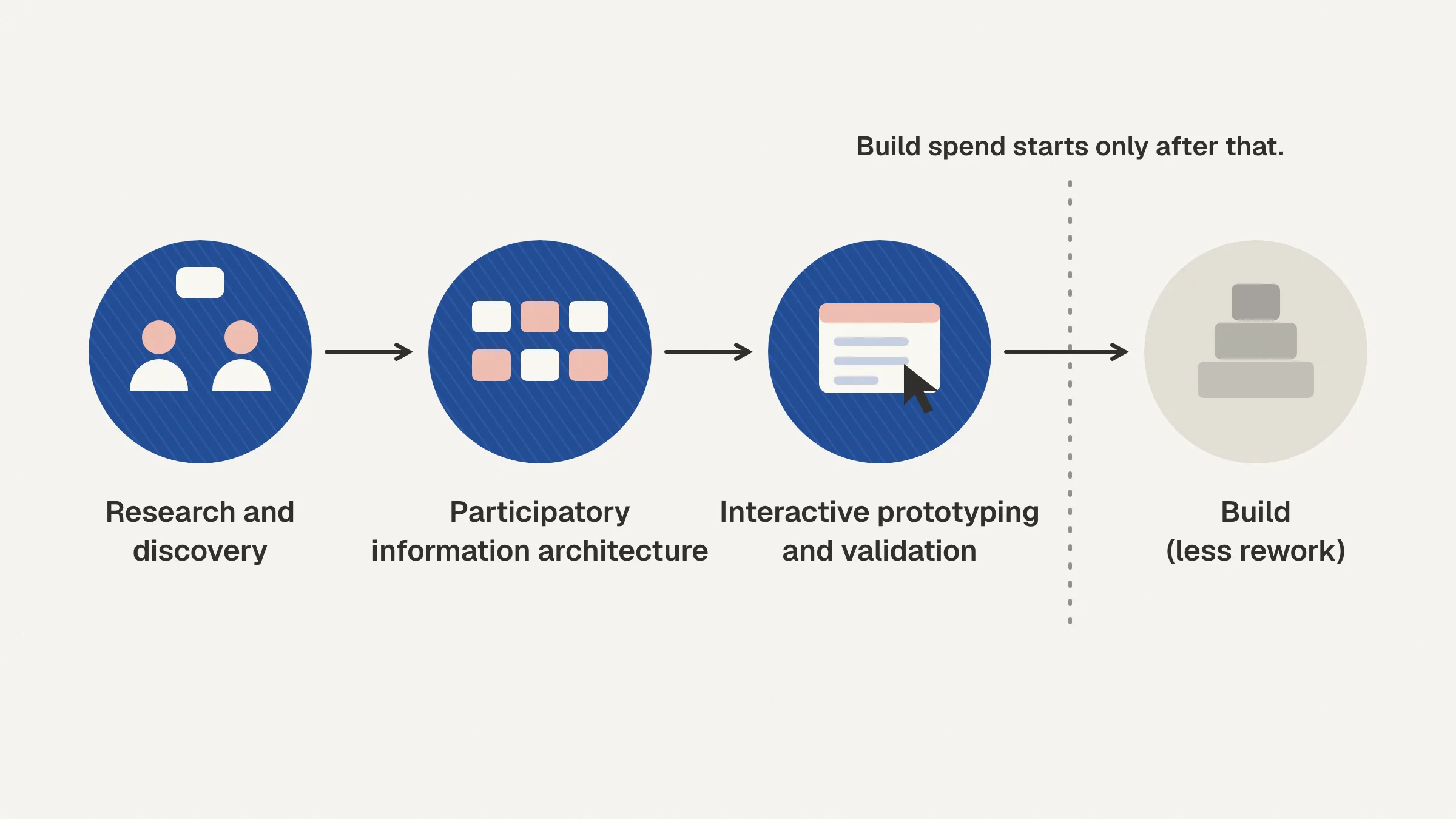
Research and discovery
We start with the people who will use the intranet. We run interviews, workshops, and focus groups with staff across the business, from frontline workers to senior leaders.
We want to understand how they actually work. Which tools do they use every day? How do they find information and get answers? Who do they talk to, and through which channels? How do they get the information they need to do their jobs?
We record what we learn in user personas. The personas stay with the project from start to finish. We use them throughout design to check each decision against real need.
At the same time, we talk with senior stakeholders. We record the priorities of the organization and of each department. Then we bring the two views together. Our recommendations reflect what employees need and what the business is trying to achieve.
Participatory information architecture
Skipping IA is why many SharePoint intranets become link lists nobody maintains. We build the structure with your audience instead of for them.
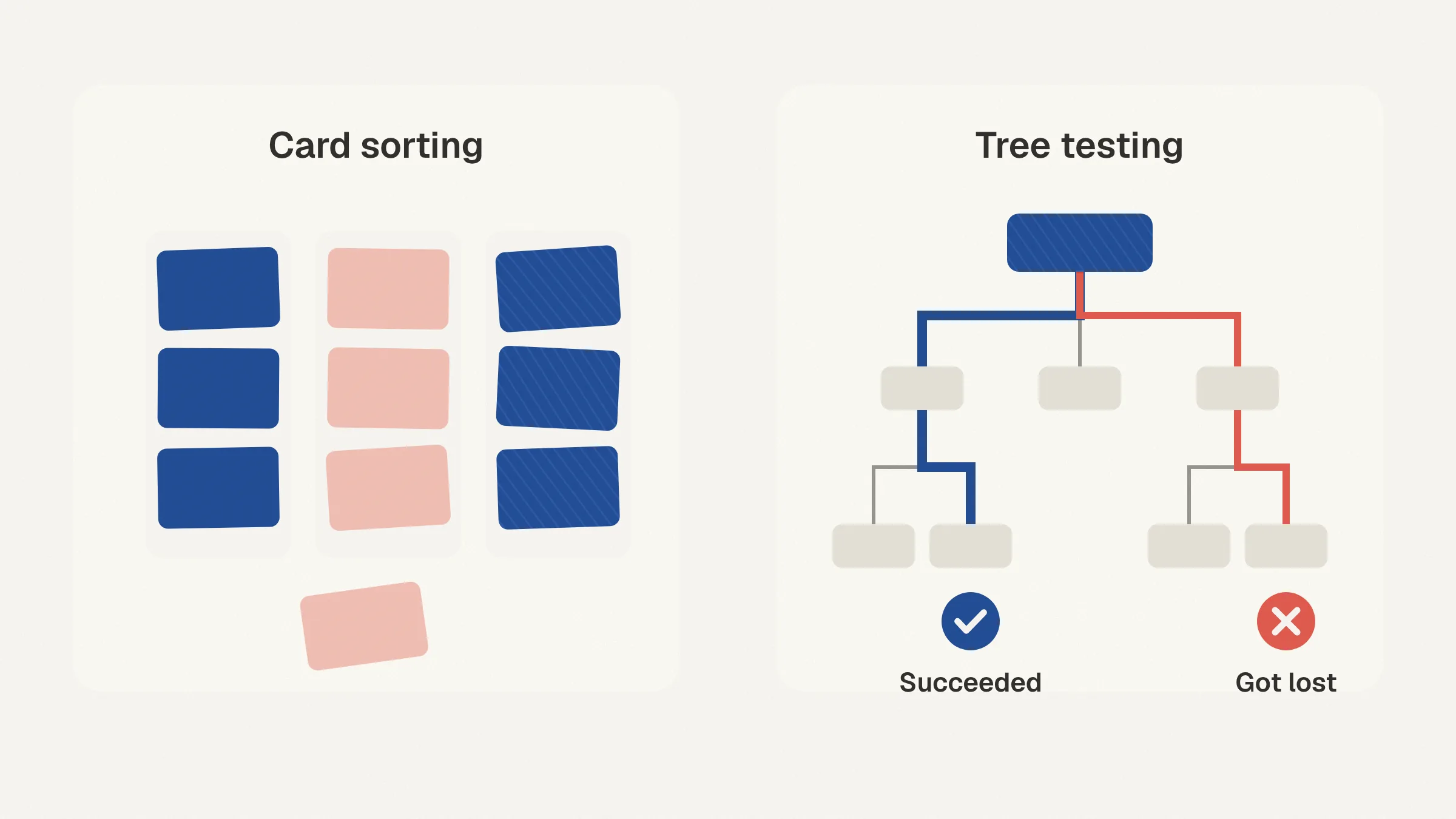
In card sorting, employees group content in ways that make sense to them. This shows us where people expect to find things. Tree testing then checks the proposed navigation. Participants look for specific items using only the menu structure. We see where they succeed and where they get lost.
We run both through online tools. That lets us reach more people in less time. It also gives us data to settle navigation debates.
Interactive prototyping and validation
Next, we build an interactive prototype. It carries your brand and looks and feels like a real tool on your platform. That platform might be SharePoint and Microsoft 365 or an Azure-hosted app.
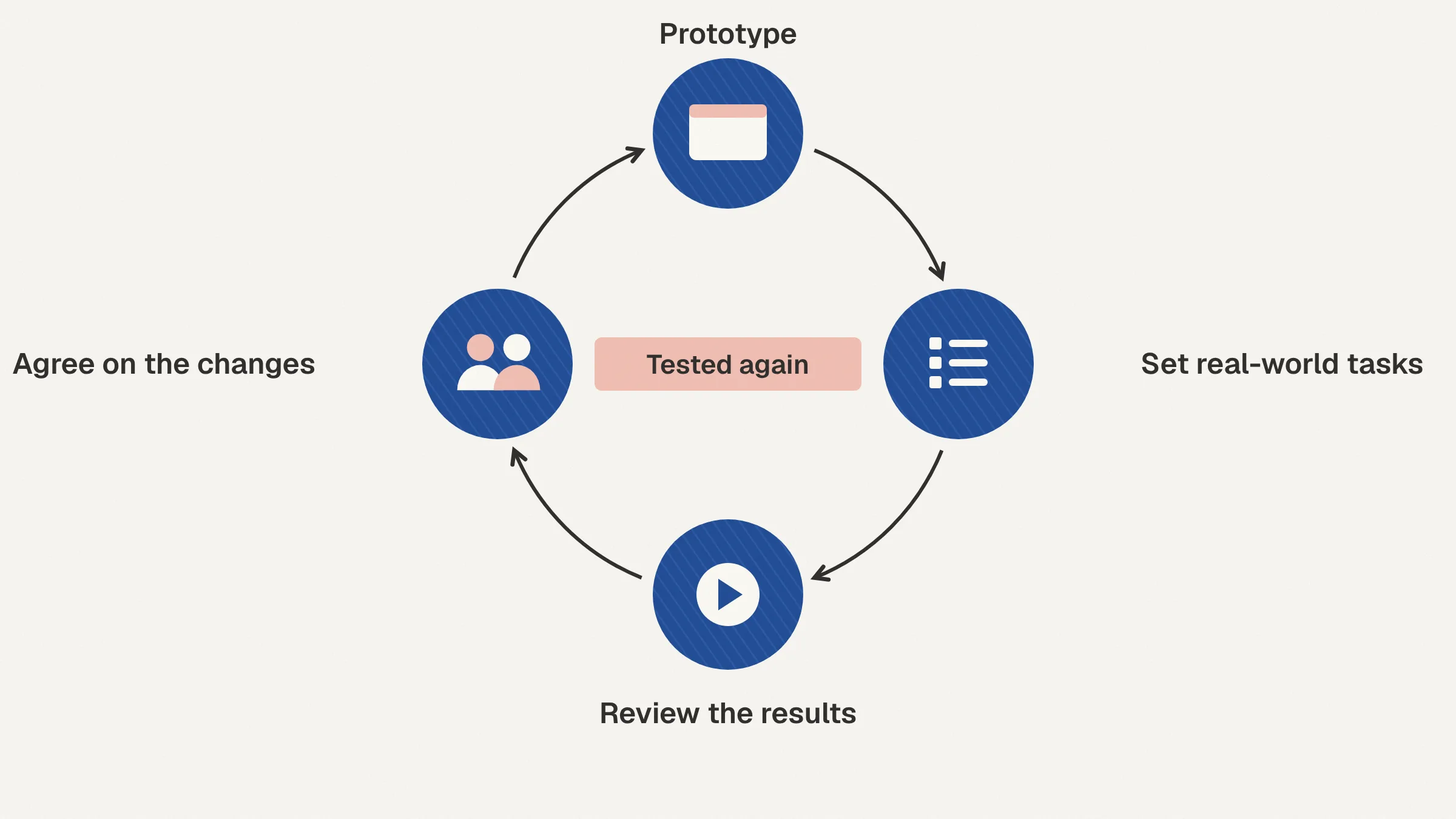
We put the prototype in front of real employees and give them defined tasks. The tasks come from your personas, such as finding a policy or locating a colleague. Participants work through them as they would on the live site.
We record the sessions and review the results. Then we recommend changes before any real build spend. We update the prototype and agree on the changes with you. Anything we are still unsure about gets tested again.
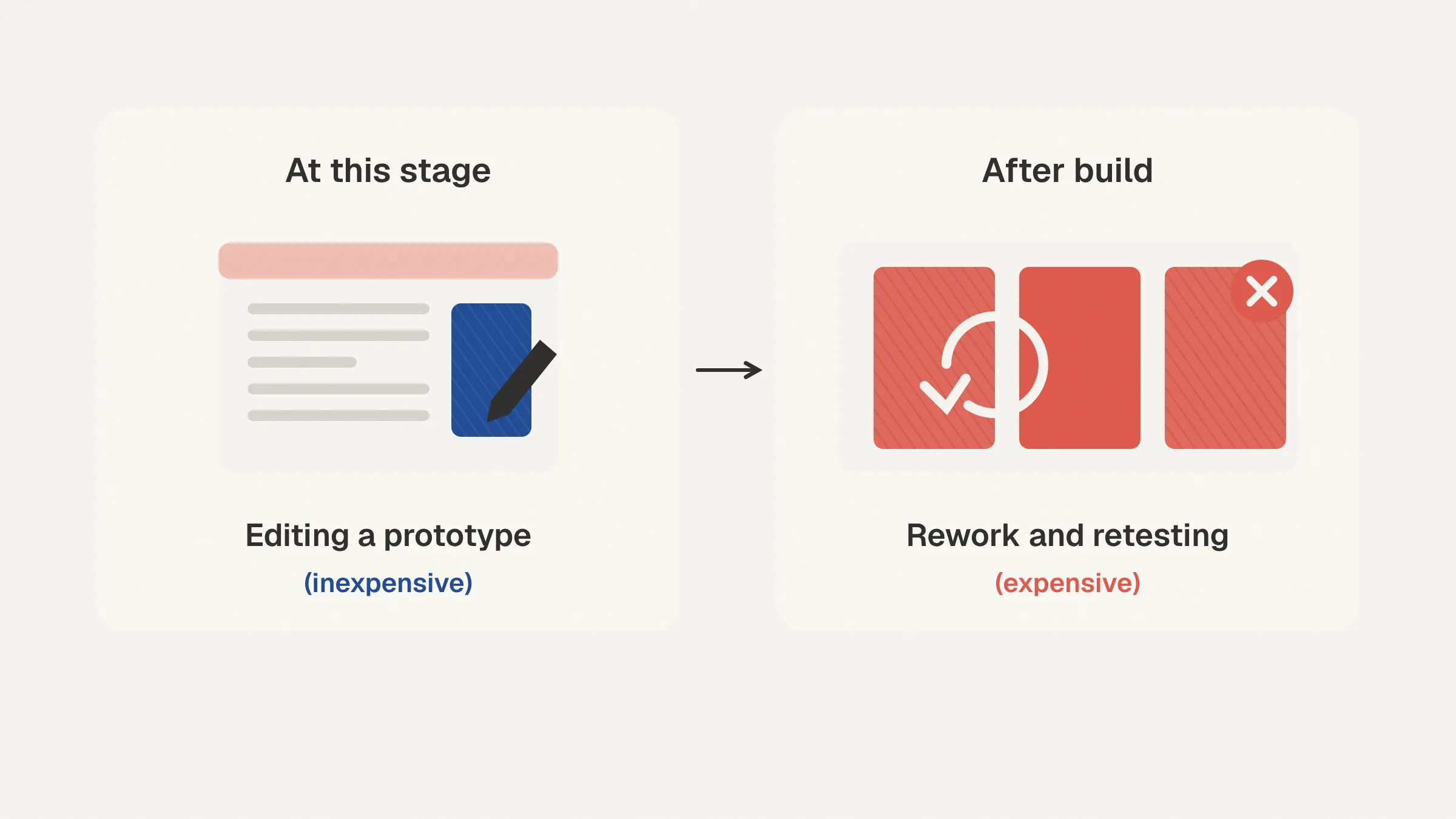
Changing a prototype takes hours. Changing a live intranet can take weeks, because pages, navigation and permissions all have to be redone. So we do the reworking at the prototype stage, while changes are still cheap, and the build goes ahead with far fewer surprises.
What you take into build
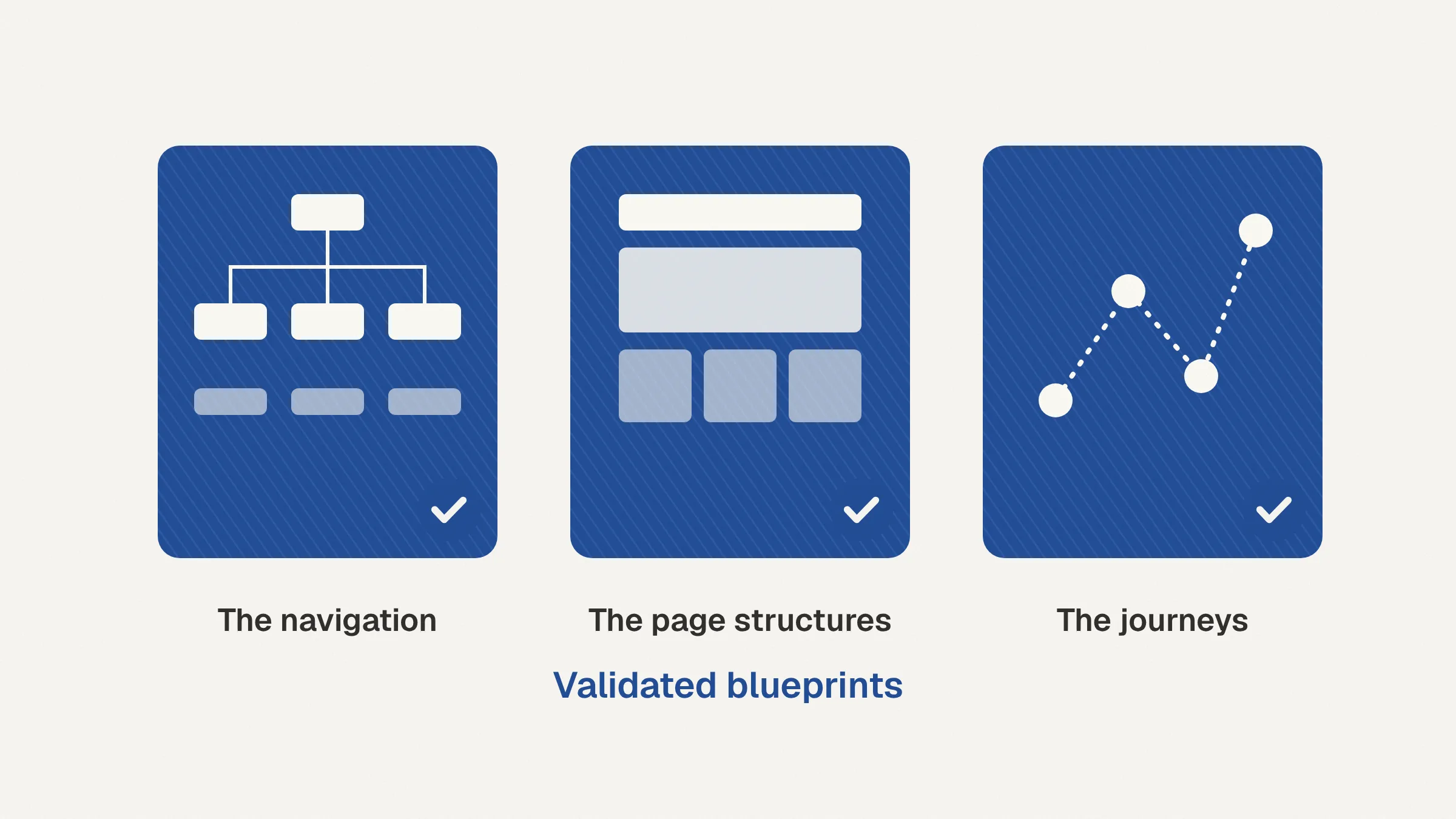
You leave this phase with validated blueprints. They cover the navigation, the page structures, and the journeys your employees tested. Each one traces back to research and testing with your people.
Because the big questions are settled early, build is typically shorter. UAT and adoption usually go more smoothly too, because employees have already seen and shaped what they are getting.
Visual polish comes after discovery, IA, and UX. Done in that order, the polish goes onto a structure that already works. You start build knowing the result is more likely to be useful, easy to use, and adopted.
When you need this
This phase fits if any of these sound familiar:
You are replacing or relaunching an intranet and want evidence before you commit budget.
Your current SharePoint site has turned into a list of links that staff work around.
Leadership and departments disagree on what the intranet should do.
You have frontline or distributed staff whose needs are hard to see from head office.
You are planning a broader digital workplace program and need to know how people really find information.
How this connects to our services
Research and prototyping is the first stage of our intranet design and build service. We design and build the intranet on your Microsoft 365 tenant. You own it. There is no license fee from us.
You can also run this phase on its own. Our digital workplace strategy and AI service includes a rapid prototype and validation package. Use it to test a direction before you decide on a full program.
FAQ
How long does research and prototyping take?
It depends on the size of your organization, how many audiences you have, and how many rounds of testing are needed. We set the scope and timeline with you when we get in touch.
Who from our organization needs to be involved?
You need a sponsor, senior stakeholders from the departments that matter most, and a cross-section of employees. Employees take part in interviews, workshops, card sorting, and prototype testing. We agree on the participant mix with you up front, including frontline staff.
Is the prototype throwaway work?
The prototype itself is a testing tool. The validated navigation, page structures, and journeys become the blueprints for build.
Can we run this phase without committing to a full build?
Yes. That is what the rapid prototype and validation package in our digital workplace strategy and AI service is for. You can decide on build once you have the evidence.
Which platforms do you prototype on?
We prototype on SharePoint and Microsoft 365, or as an Azure-hosted app, depending on where the solution will live. The prototype carries your brand, so employees react to something that feels like the real tool.
We already know what we want. Why test it?
Testing either confirms your direction or shows where it needs to change. Either way, you find out while changes are still cheap. Tree tests and task sessions can surface navigation problems the project team did not expect.
Get in touch
Tell us about your intranet or digital workplace plans. We will suggest the right next step and confirm scope before any work starts.