
Can a SharePoint intranet look like a modern website?
Yes - in the ways that matter for employees: clear hierarchy, strong imagery, and editorial layout. Here is what that means in practice, and where SharePoint will always differ from a bespoke marketing site.
Related: SharePoint intranet design · Intranets
Yes - if you define “modern” the way good internal comms sites do: clear hierarchy, confident imagery, restrained typography, and pages that look planned and edited.
No - if you mean a pixel-perfect clone of a bespoke marketing site built with unlimited front-end freedom, custom scroll behavior, and consumer-web interaction patterns. SharePoint is not that tool, and it does not need to be for most intranets.
The more useful question is whether SharePoint can feel contemporary, on-brand, and easy to scan for employees who open it every day. It can, as long as someone owns the design decisions and applies them consistently.
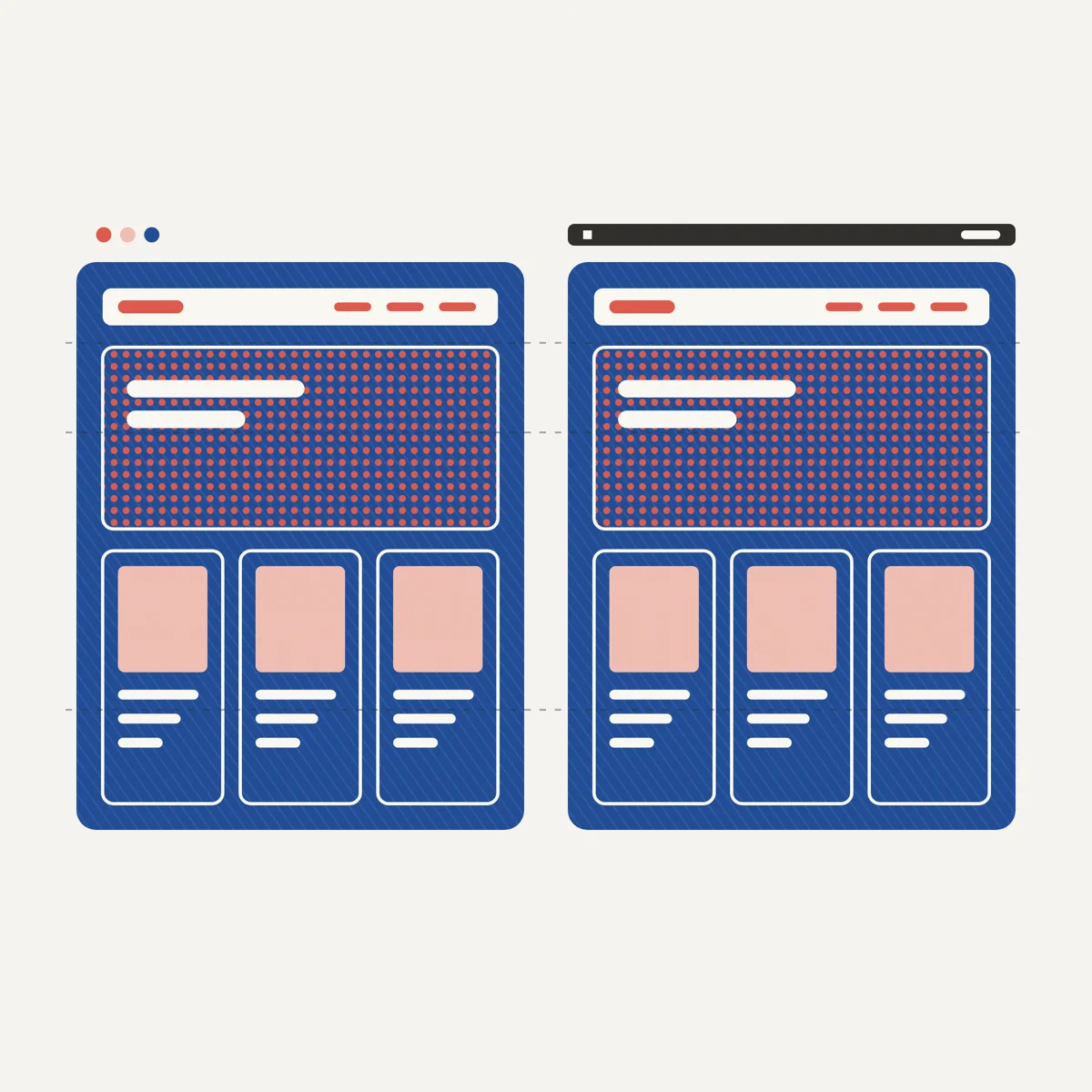
Your website’s design principles can carry over to SharePoint. An exact pixel-for-pixel copy cannot, and an intranet that employees sign in to every day rarely needs one. The sections below explain what “modern” means inside SharePoint, and what will always feel different.
What do people usually mean by a “modern website”?
In workshops, “modern” tends to bundle a few visual habits from consumer and marketing sites:
- A large image or headline at the top of the main pages
- Large, well-cropped photography or illustration, not tiny clip-art tiles
- Breathing room between sections instead of a wall of equal-weight boxes
- Typography that feels intentional - size steps, line length, and consistent headings
- Stories and updates laid out like articles, with headlines and images
You can do all of this in SharePoint without a custom content management system or a separate web app. What it takes is a set of agreed design decisions, applied to every page.
If you want the broader “can SharePoint look good at all?” answer first, read:
Can SharePoint actually look good?
What can a SharePoint intranet borrow from modern web design?
SharePoint already has the building blocks to look modern, if people use them consistently:
- Full-width and one-column sections for hero-style moments
- Image-led news, with stories an editor has chosen and arranged
- Brand fonts and color via Brand Center, applied consistently
- Repeatable page templates so authors do not improvise structure every time
- Navigation and hubs organized around tasks and audiences as well as teams
Used this way, SharePoint can feel closer to a well-designed content site than to a cluttered “classic” intranet. Most of that improvement comes from hierarchy and consistency: what each page puts first, and whether every page follows the same pattern.

Successful intranet teams use SharePoint’s out-of-box offerings as an edge, not an end, and stretch and massage the technology to fit their organization’s mold.
Full-width layouts—The Hero and Image web parts can be placed in a section layout that spans the page from left to right, giving you ways to emphasize your most essential information.
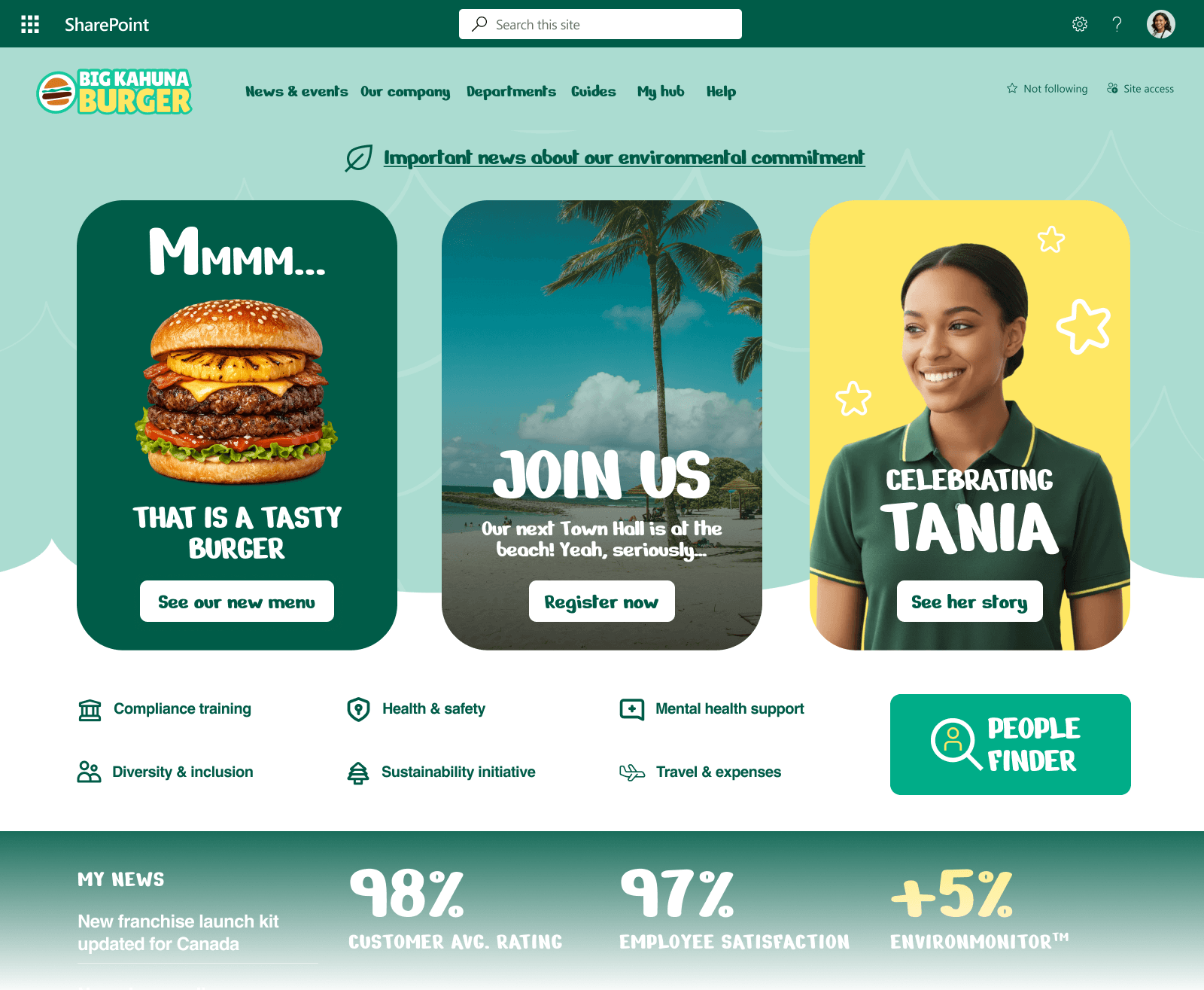
These are the building blocks SharePoint gives you: sections and web parts that you arrange into a deliberate layout. When every page follows the same layout rules, the intranet feels as planned as a public website, even though it does a different job.
Where will a SharePoint intranet still feel different from your marketing site?
A SharePoint intranet will still differ from your marketing site in four ways:
- Authentication and context - employees are signed in, so pages can show content for their role and tasks.
- Governance and maintainability - templates and patterns favor repeatability over one-off experimental pages.
- Interaction depth - you are not typically rebuilding complex marketing micro-interactions unless you pay for custom development.
- Ownership - marketing owns the brand site; intranet pages are often co-owned by IT, comms, and business units. Without shared standards, the visual gap widens even when the platform could support better design.
For most organizations these differences are useful, because they keep the intranet secure, maintainable, and focused on employees' tasks. The goal is for the intranet to match the website in quality and tone.
For how much you can do without custom code, see:
Can you brand SharePoint without custom development?
For why so many intranets stop at “configured” and never reach this level of polish, see:
What’s the difference between a configured SharePoint intranet and a designed one?
Examples: modern feel with standard web parts
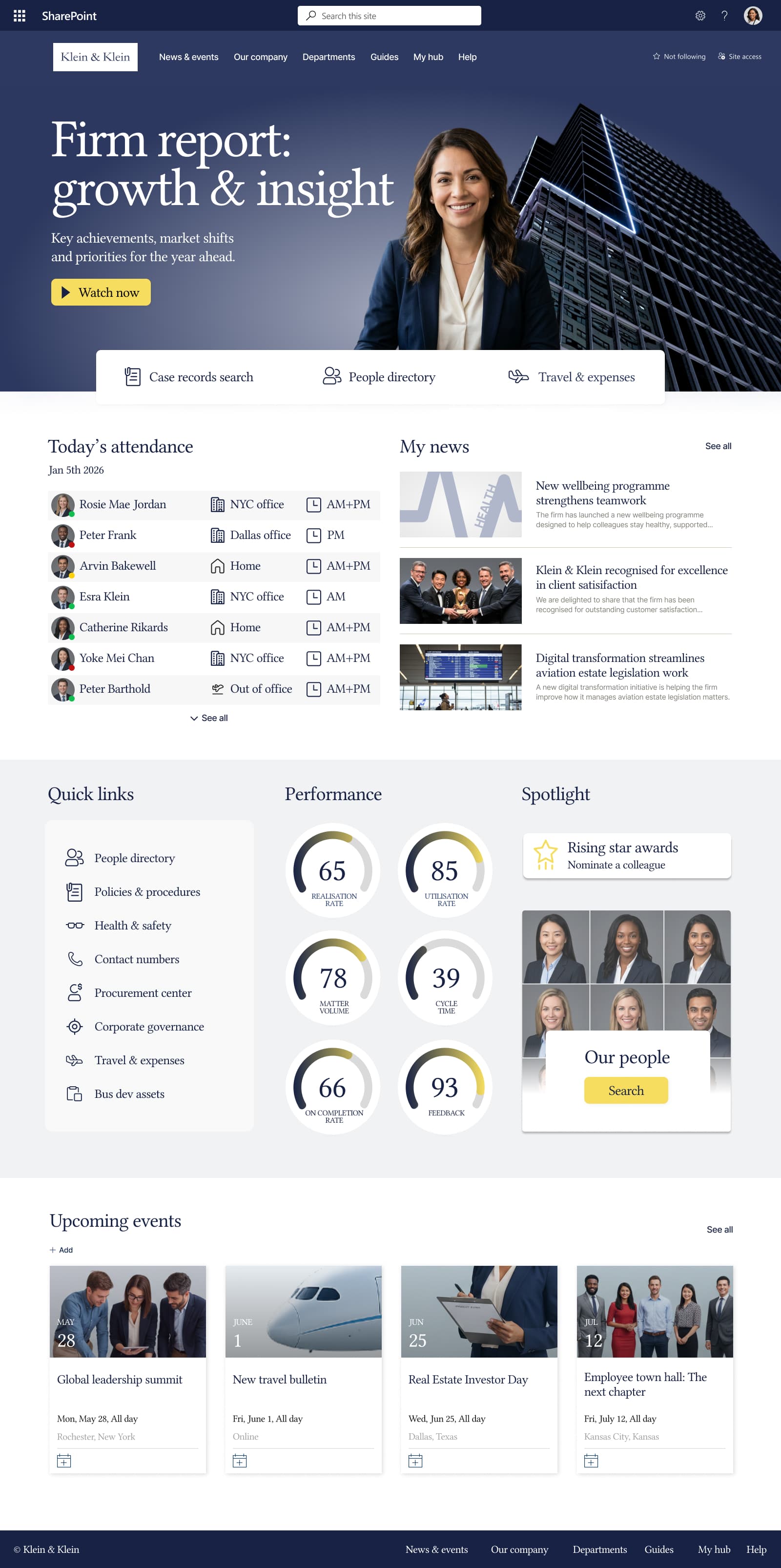
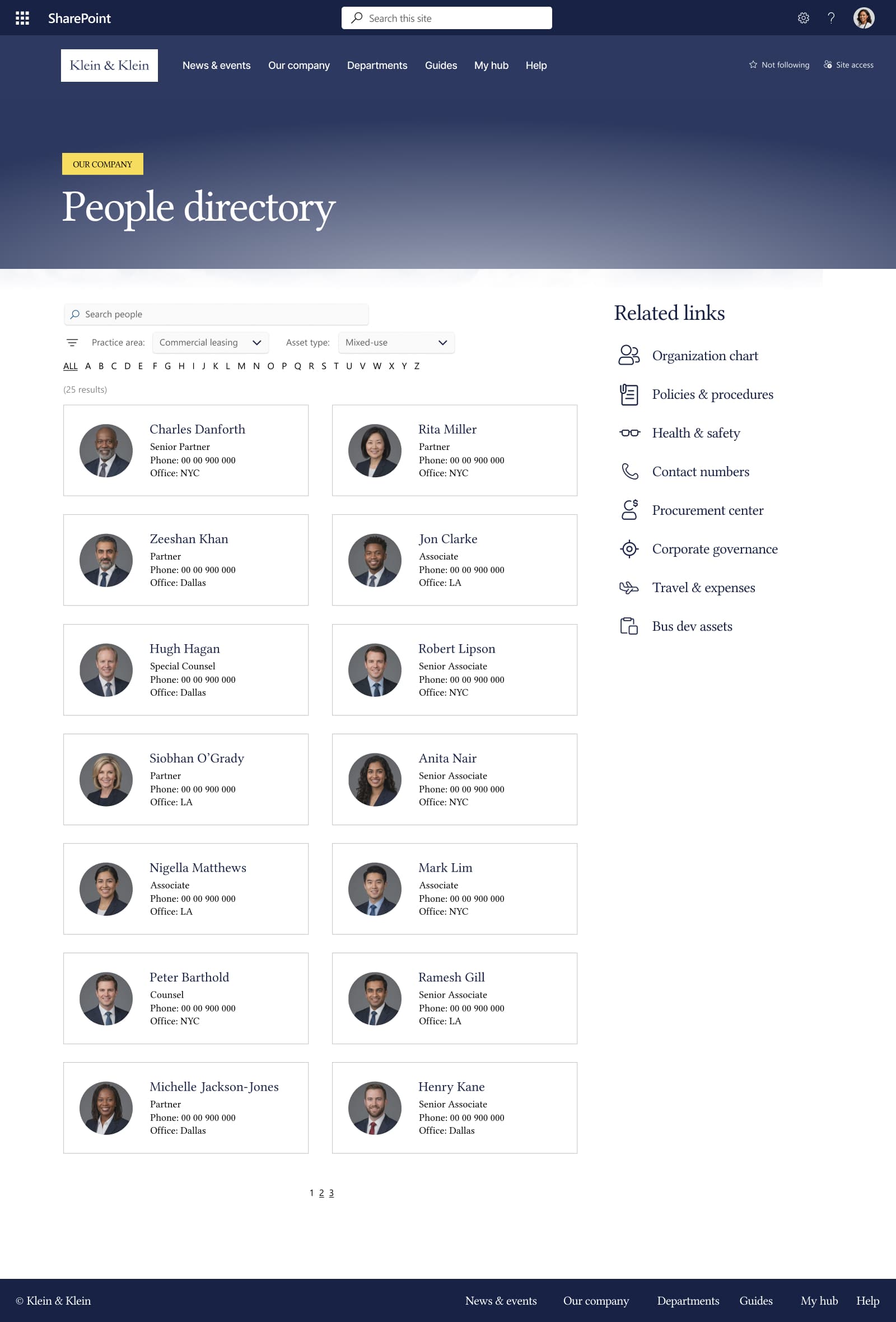
These examples use only standard SharePoint layouts and web parts, with no add-ons or custom code. They show what most people mean in practice when they ask for an intranet that “looks like a modern website.”
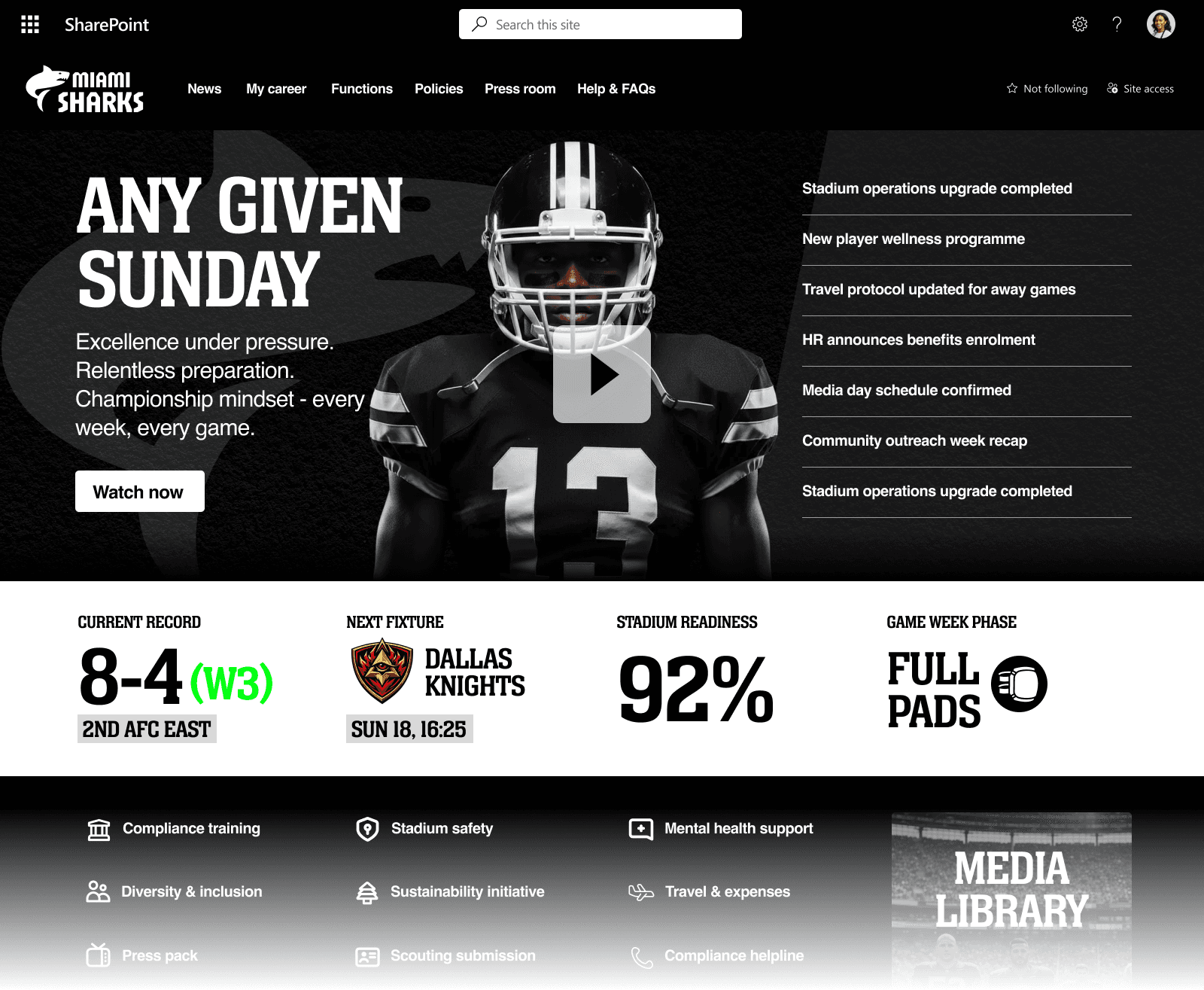
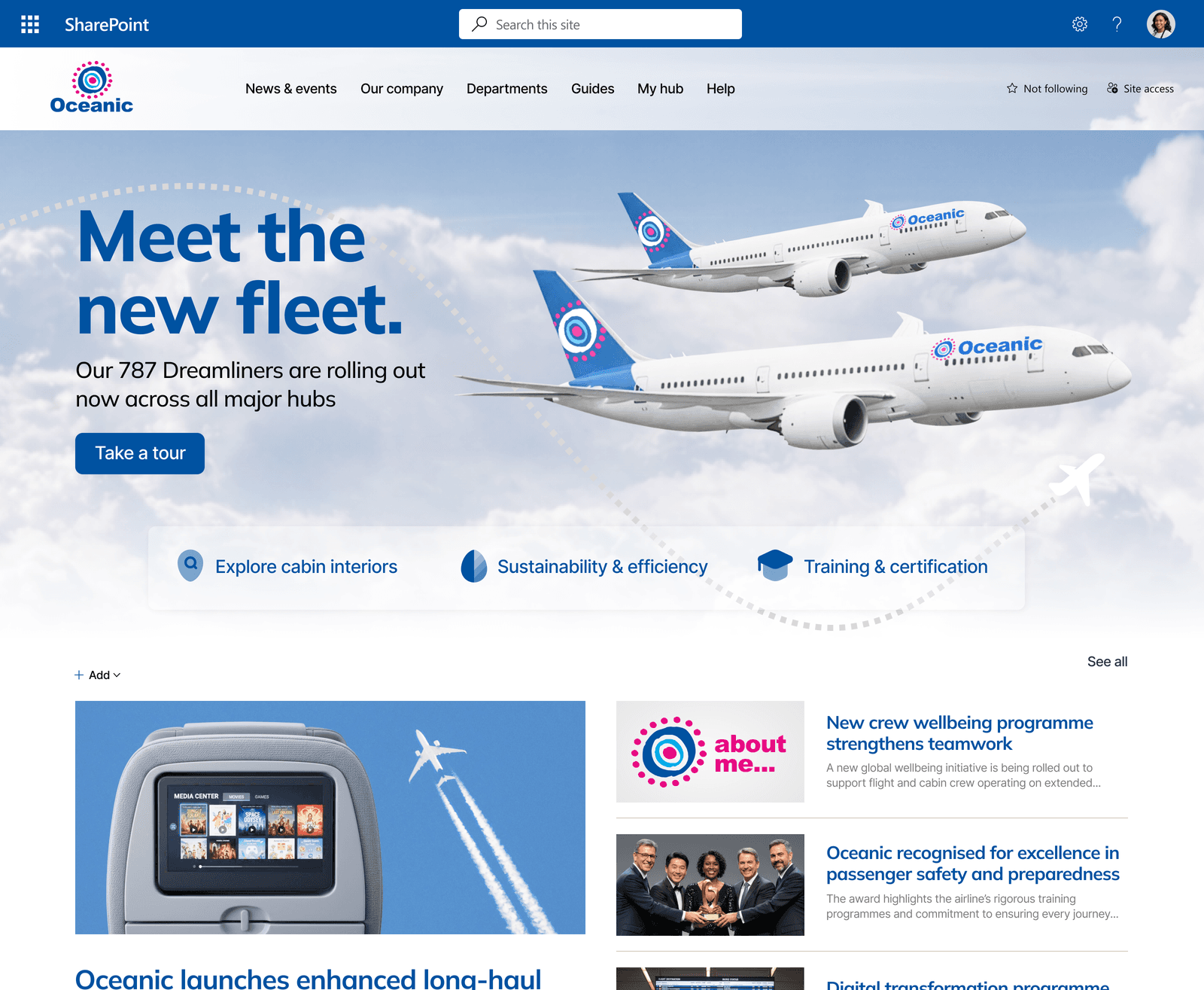
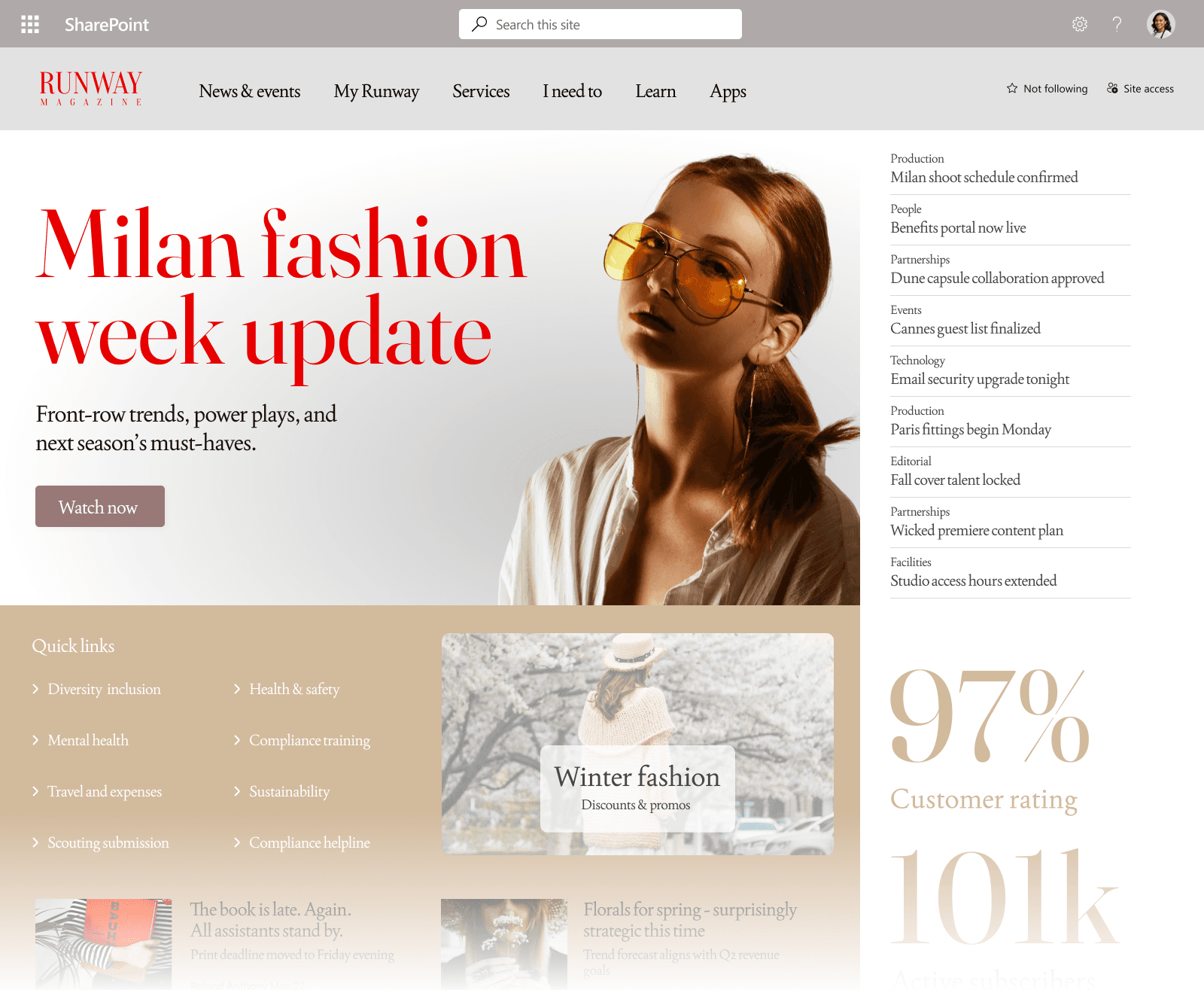
Slide 1 of 6
What “modern” means for employees
Employees judge an intranet by the same cues they use on any good website: clarity, imagery, spacing, and a clear story on each page. A SharePoint intranet can use all of those cues.
FAQ: SharePoint intranets and “modern website” looks
Can our intranet match our public website visually?
It can align with brand (fonts, color, photography style) and with layout habits (heroes, editorial sections). It will not usually match every page type or interaction on a bespoke marketing build - and that is rarely necessary for internal use.
Do we need custom development to look modern?
Often, no. Layout templates, image standards, and authors who follow them give an intranet most of its modern look. Custom development is for functionality gaps, not for basic visual polish.
Why does our intranet still look dated if SharePoint is capable?
Usually because pages were configured once and never given a design system: default web part stacks, inconsistent images, and no shared template. The platform is rarely the limiting factor.
Should we redesign the intranet or the public site first?
They solve different problems, but **shared brand guidance** (imagery, type, spacing rules) helps both. If the intranet is the daily destination for staff, improving its page layouts and templates usually makes more difference to employees day to day.
Keep exploring intranet design
Read more guides on the topic hub, or talk to us about a SharePoint intranet design and build.