
What's the difference between a configured SharePoint intranet and a designed one?
Most SharePoint intranets are set up so they work, but nobody decides how they look or what each page puts first. This guide explains the difference and how to fix a generic-looking intranet.
Related: SharePoint intranet design · Intranets
Most SharePoint intranets are configured, and very few are designed. A configured intranet has been set up so that it works. A designed intranet has also had decisions made about what each page puts first, how it looks, and how people move through it. That difference explains why so many intranets feel generic or confusing even though everything on them works.

(I am using the word “designed” very generously, as they were usually installed and set up just enough to barely function, then set off to fend for themselves.)
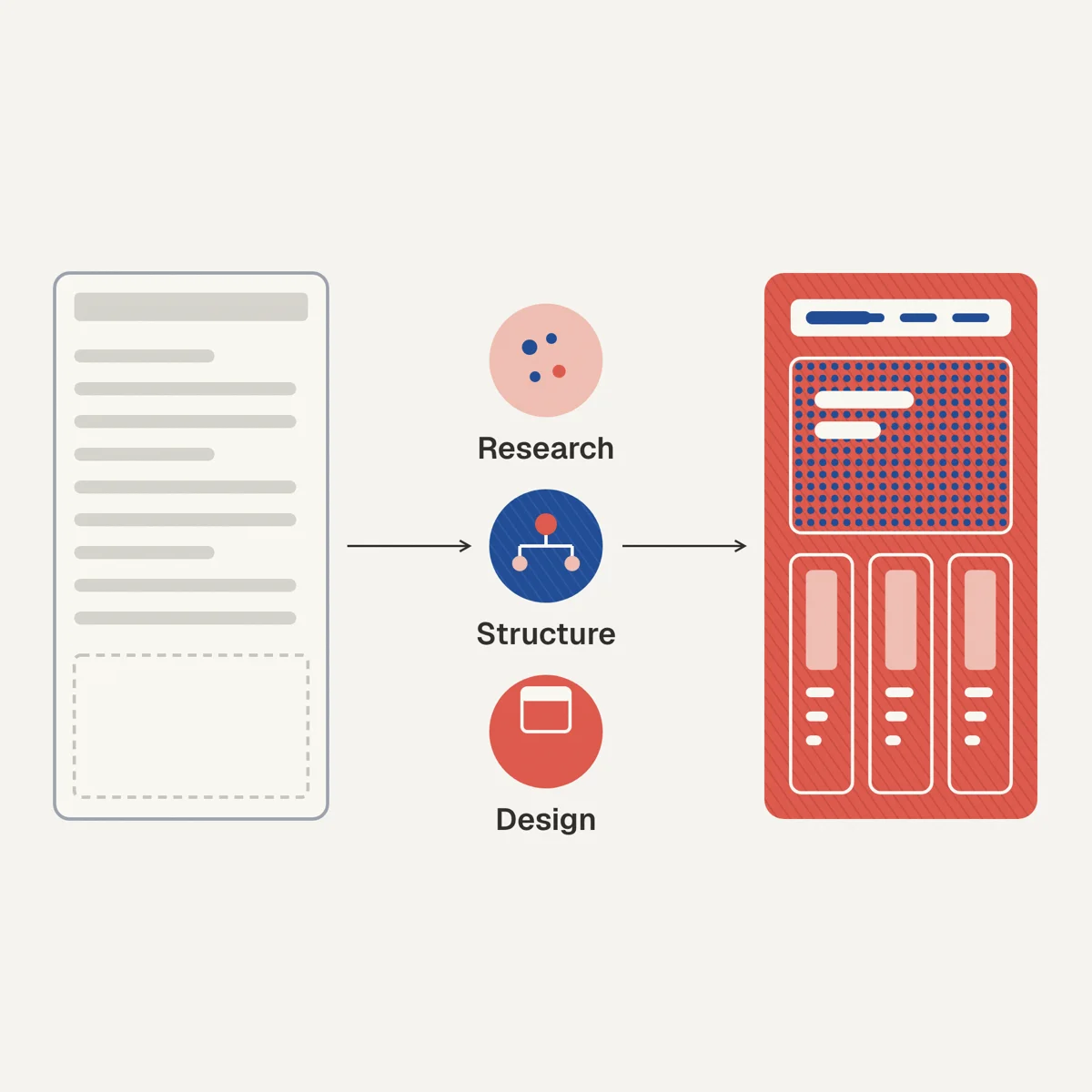
What does it mean to configure a SharePoint intranet?
Configuration means making the platform work. You set up sites, add web parts, connect navigation, import your logo, pick a theme color, and switch on the features you need. The result is a SharePoint intranet that functions correctly.
Configuration is necessary, because without it nothing works. On its own, though, it leaves you with pages that look like every other SharePoint site and give employees no clear reason to use them.
What does it mean to design a SharePoint intranet?
Design means deciding what each page should tell people and how it should look. That covers what comes first on the page, the layout, the type, the images, the spacing, and the navigation.
Design starts from a different question: what do people need to understand, and what do they need to feel, when they arrive here?
Why do most SharePoint intranets end up configured rather than designed?
Most SharePoint intranets end up configured because configuration is the main thing most intranet projects are asked to produce.
IT teams are responsible for implementation. Their job is to build something that functions correctly, meets governance requirements, and can be maintained. That is the right scope for an IT team. But it does not include visual direction, communication hierarchy, or editorial structure.
Internal comms teams often inherit the result and do their best to populate it. But adding content to a poorly structured template does not fix the underlying design problems.
Design decisions - how a homepage is structured, how news is presented, how sections are weighted, how brand imagery is applied - are rarely owned by anyone. They fall through the gap between IT and communications.
That gap is why so many intranets look the same: lots of web parts, inconsistent imagery, no clear visual priority, and a homepage that tries to do too much.
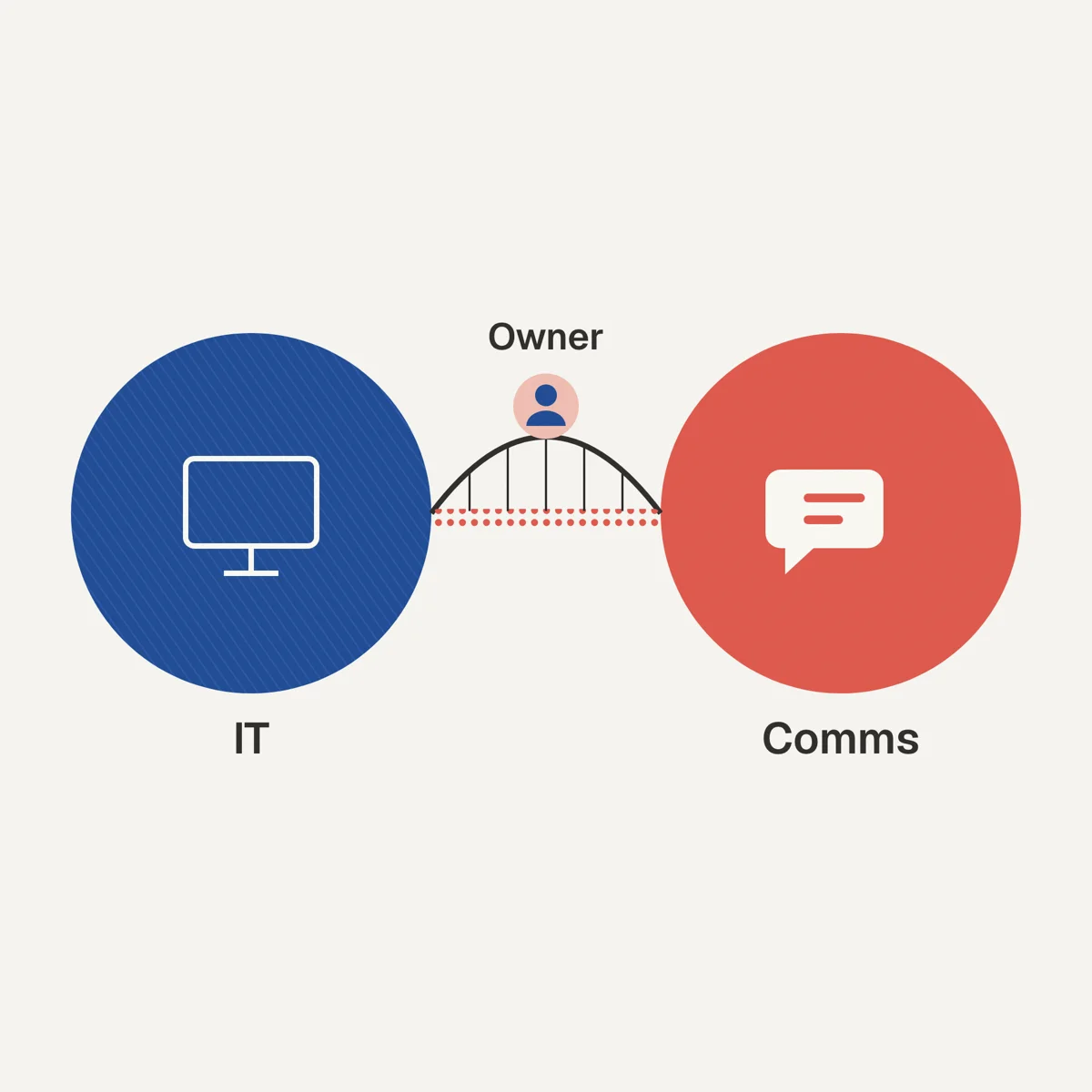
In particular, companies with ailing intranet usability rarely had a well-funded central intranet group with clear ownership of the design.
What does a configured intranet look like?
A configured intranet typically has:
- A header with the company logo and a navigation bar
- A homepage assembled from several web parts in their default positions
- A news section using the default news layout
- Quick links pointing to key systems
- Department sites that follow the same template as every other department site
- Imagery sourced from stock libraries or internal photographs with no visual consistency
It works, and employees can find things if they already know where to look. What it does not do is look or feel like the organization that built it.
What does a designed intranet look like?
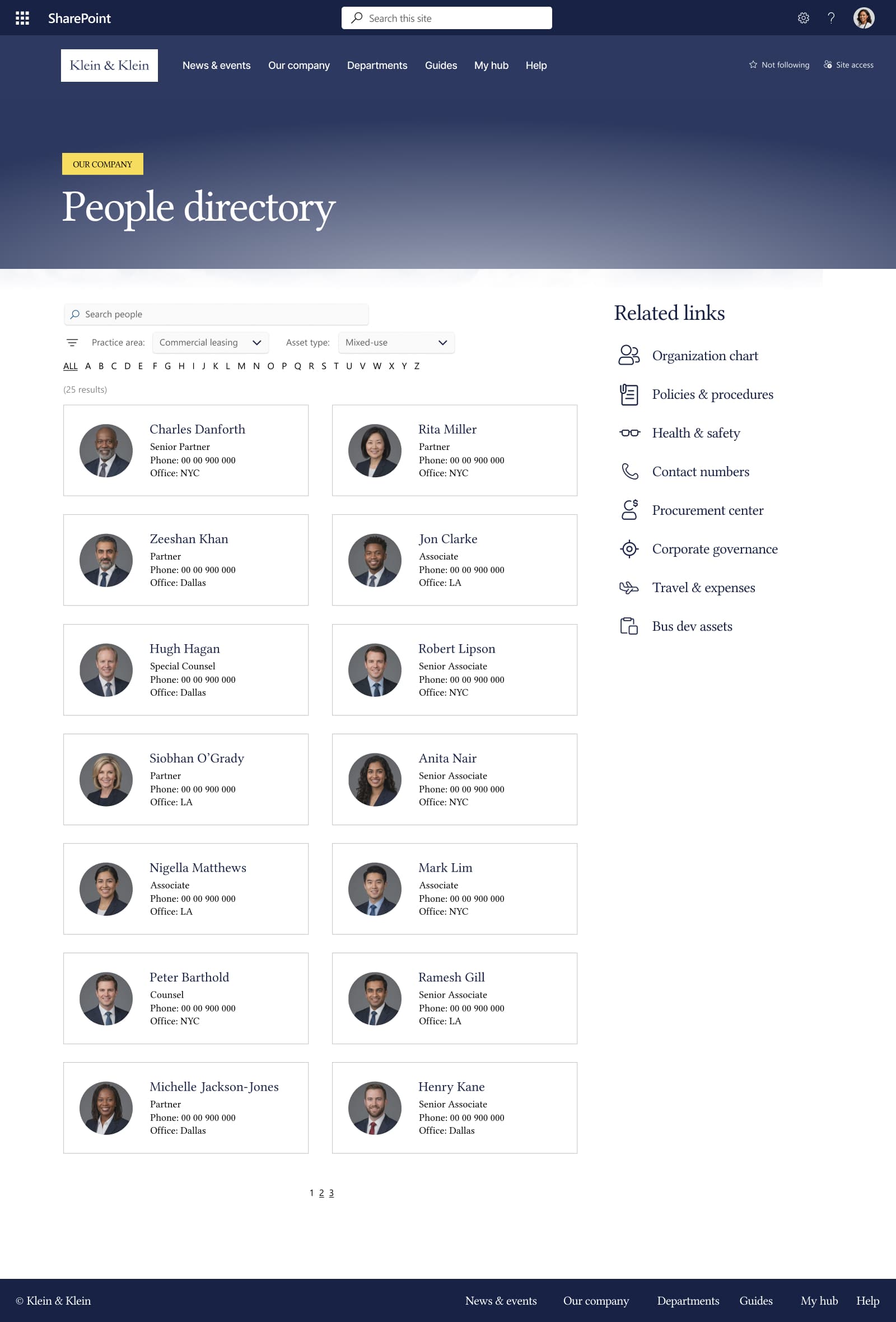
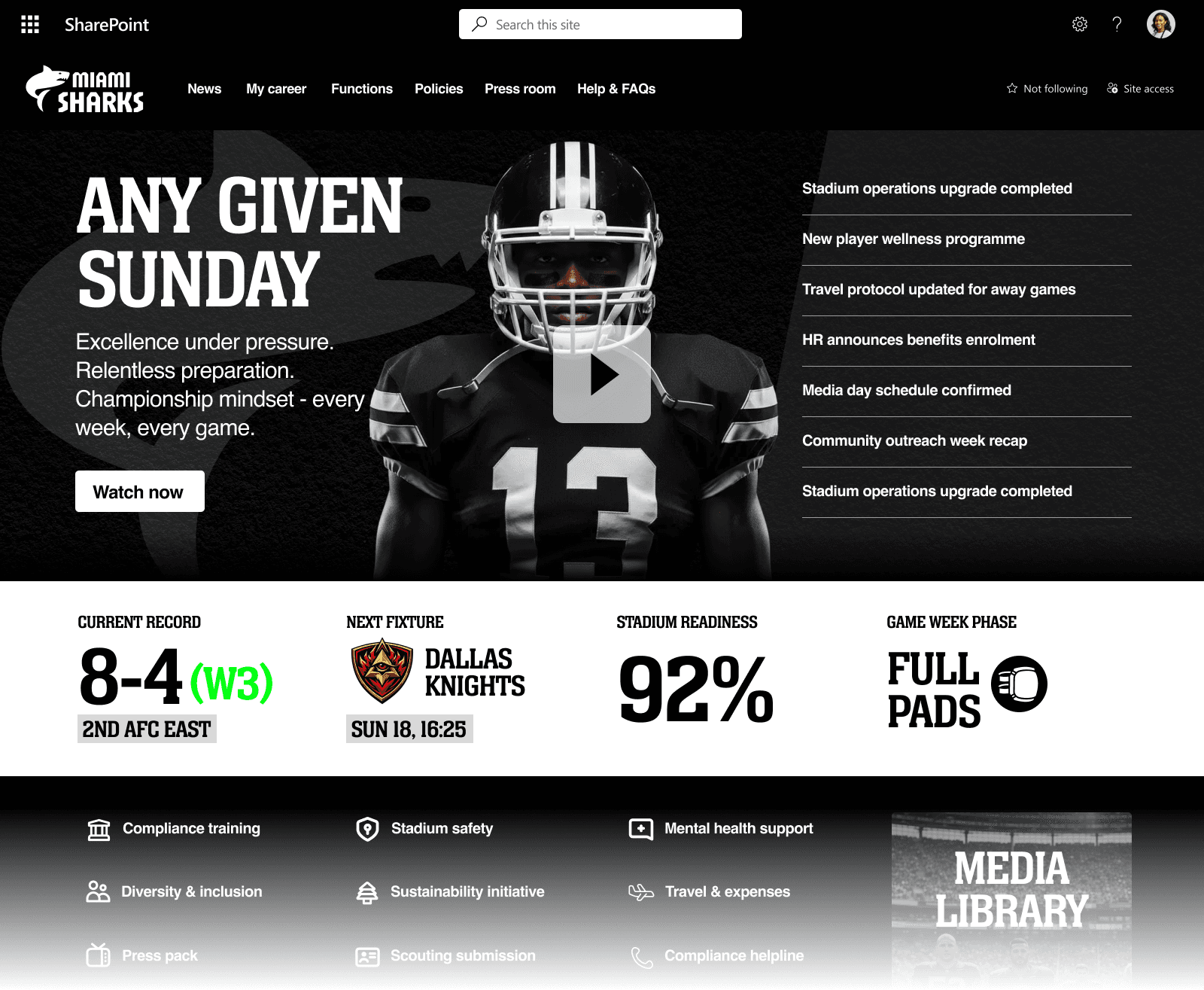
A designed intranet has the same functionality but applies deliberate decisions at every layer:
- A homepage with a clear visual hierarchy - leadership content at the top, operational content lower down
- Section layouts chosen to suit the content on each page
- News with images an editor has chosen for each story
- Imagery that follows a defined style - consistent color treatment, subject framing, or photography approach
- Department and campaign pages built from one agreed template
- Enough space between sections that each one is easy to pick out
- Navigation labeled by the tasks employees need to do
None of these changes need custom development. They need someone who owns these decisions and applies them consistently across the intranet.

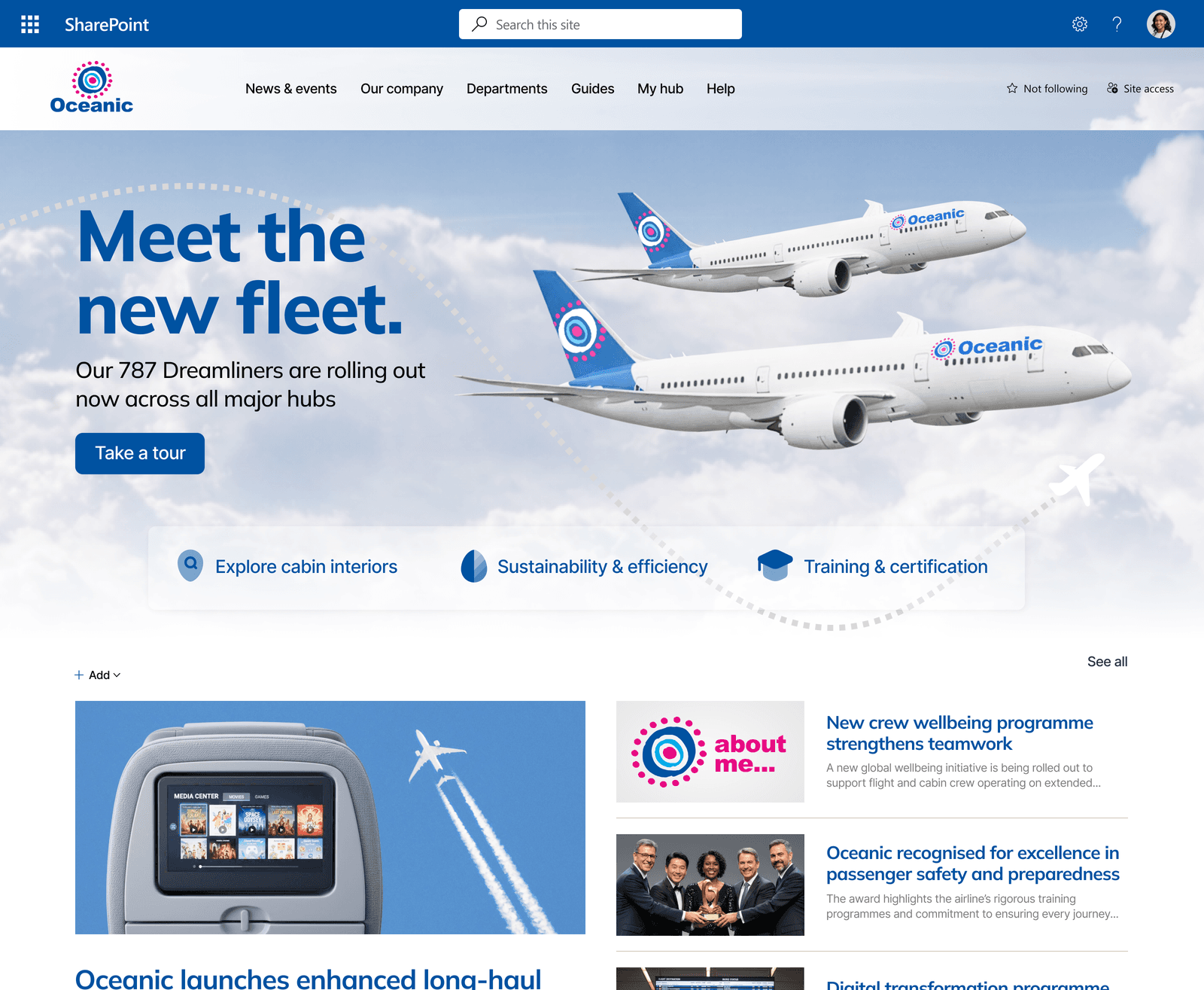

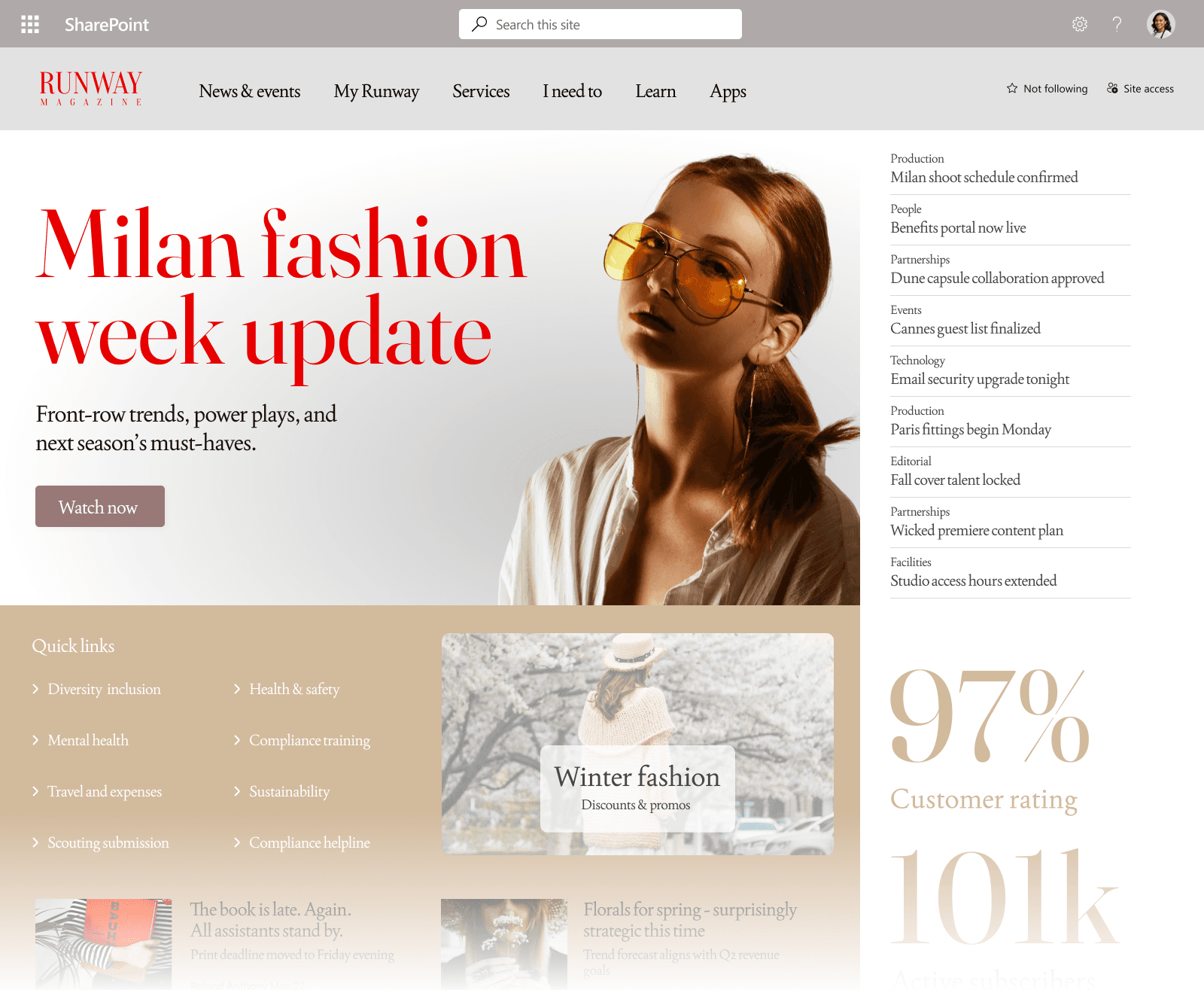
Slide 1 of 6
Can you move from configured to designed without rebuilding?
Usually, yes. Many teams assume that improving the design means migrating to a new platform or starting a development project. It rarely does.
Most configured intranets have the tools they need already. What they lack is a clear set of design decisions applied consistently across every page.
The work is typically:
- Defining a homepage structure and applying it
- Creating page templates that govern how content is laid out
- Agreeing an image standard and checking new pages against it
- Simplifying navigation based on actual usage patterns
- Removing web parts that distract from the main content
This is design work. The platform stays the same, and what changes is how pages are laid out, what goes on them, and who maintains them.
If you want to understand what that looks like in practice, read: Can you brand SharePoint without custom development?
Configuration is not the same as design
The difference between a configured intranet and a designed one is not the technology. It is the ownership of visual and communication decisions.
Most organizations already have the SharePoint tools they need. What they usually lack is a person or team who understands both the platform and design, and who has the authority to make layout, imagery, and navigation decisions and apply them consistently.
FAQ: configured vs. designed SharePoint intranets
Is a configured SharePoint intranet a bad intranet?
Not necessarily. Configuration is the foundation. An intranet needs to be correctly set up before design can be applied. The problem arises when configuration is treated as the finished product. It should be the starting point.
Do you need to redesign the whole intranet?
In most cases, no. Start with the homepage and the most-visited pages, because those are the pages employees see most. Applying one template to new pages over time improves the rest of the intranet.
Who is responsible for design decisions on a SharePoint intranet?
This varies by organization, but in practice the answer is often: nobody clearly owns it. IT owns configuration. Comms owns content. Neither owns the visual and structural decisions that sit in between. Naming that gap is often the most useful first step.
Can out-of-the-box SharePoint look designed rather than configured?
Yes. The visual quality of a SharePoint intranet is determined more by the decisions applied to it than by the tools available. Out-of-the-box SharePoint, used with design discipline, can look better than heavily customized intranets built without it.
Keep exploring intranet design
Read more guides on the topic hub, or talk to us about a SharePoint intranet design and build.