
How to prepare SharePoint for Copilot before you switch it on
If you run IT or operations and you're about to switch on Microsoft Copilot, here's how to check what it will find in SharePoint and fix it first.
Related: Intranet discovery & IA · Intranets

If you run IT or operations and you're about to switch on Microsoft Copilot, the risk is that it quotes an old policy or shows a file that was shared too widely. To prepare SharePoint for Copilot, you check who can open what, give content a clear home and a named owner, and make sure the current version of each policy is the one people find first.
What does Copilot read when someone asks it a question?
Licensed Microsoft Copilot answers from what's already in your Microsoft 365, and for most organizations that means SharePoint. It doesn't have its own library of answers. When someone asks a question, it looks through the files, pages, and messages that person can already open, then builds an answer from those.
That design is sensible, because it respects your permissions. Agents built on your SharePoint content usually work the same way, so they also only see what the person asking can open. It also means any mess in SharePoint today turns up in Copilot's answers tomorrow. If old or overshared files are in there, Copilot can quote them. The state of your content decides how good those answers are.
Here's a small example. An employee asks Copilot, "What's our travel policy?" Copilot gives a tidy answer that sounds right, but it's quoting a document from four years ago. The current policy is on another site, and Copilot picked up the old one.
Three problems that show up in Copilot readiness for SharePoint
We see the same three problems again and again when we look at an organization's SharePoint.
Files shared with everyone
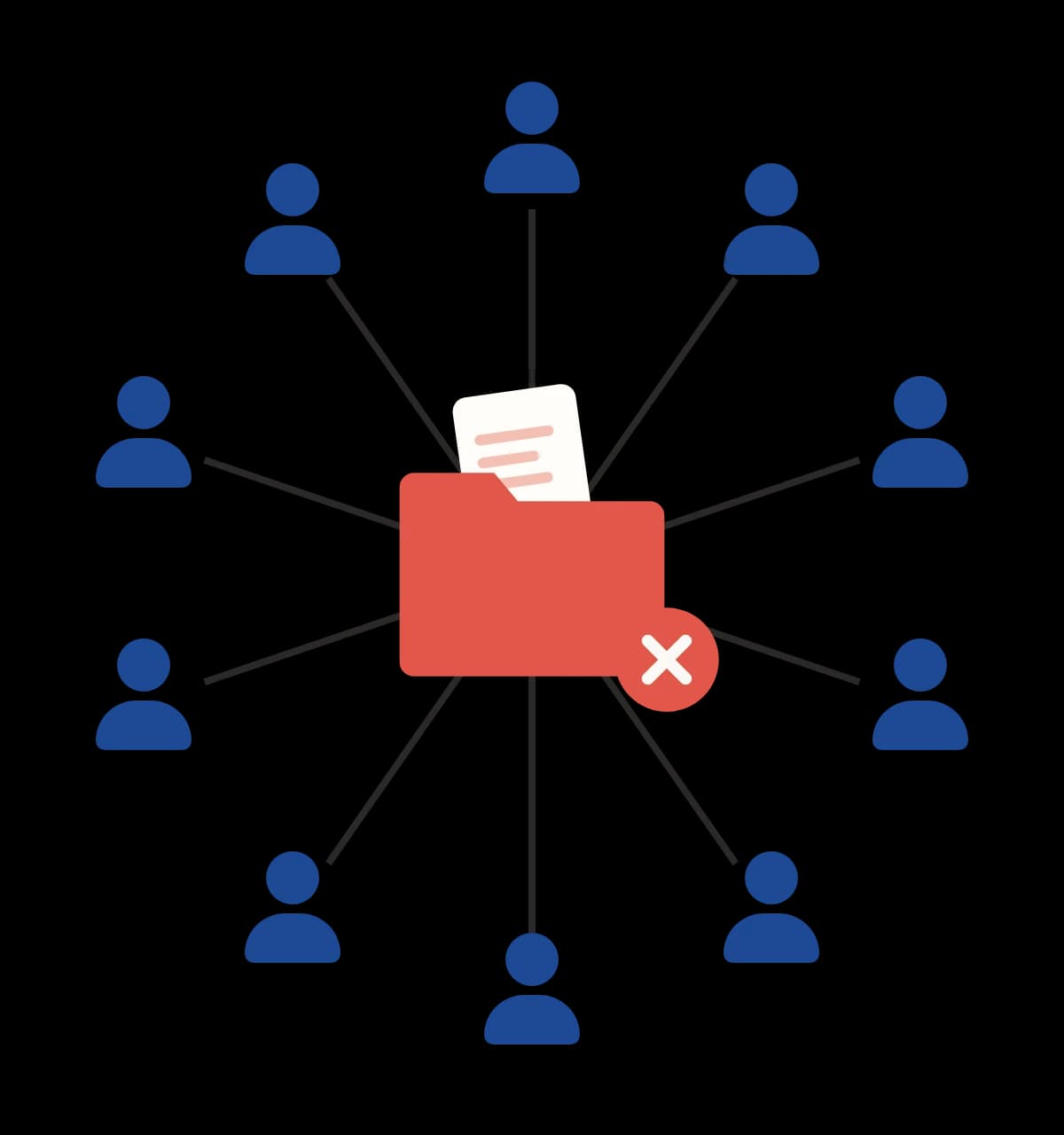
Over the years, folders get shared with everyone by mistake, often to save time. A salary spreadsheet or a draft restructure plan can end up visible to the whole company. Nobody tends to stumble on those files by browsing. Copilot can find them in seconds, for anyone who asks the right question.
Several copies of the same policy
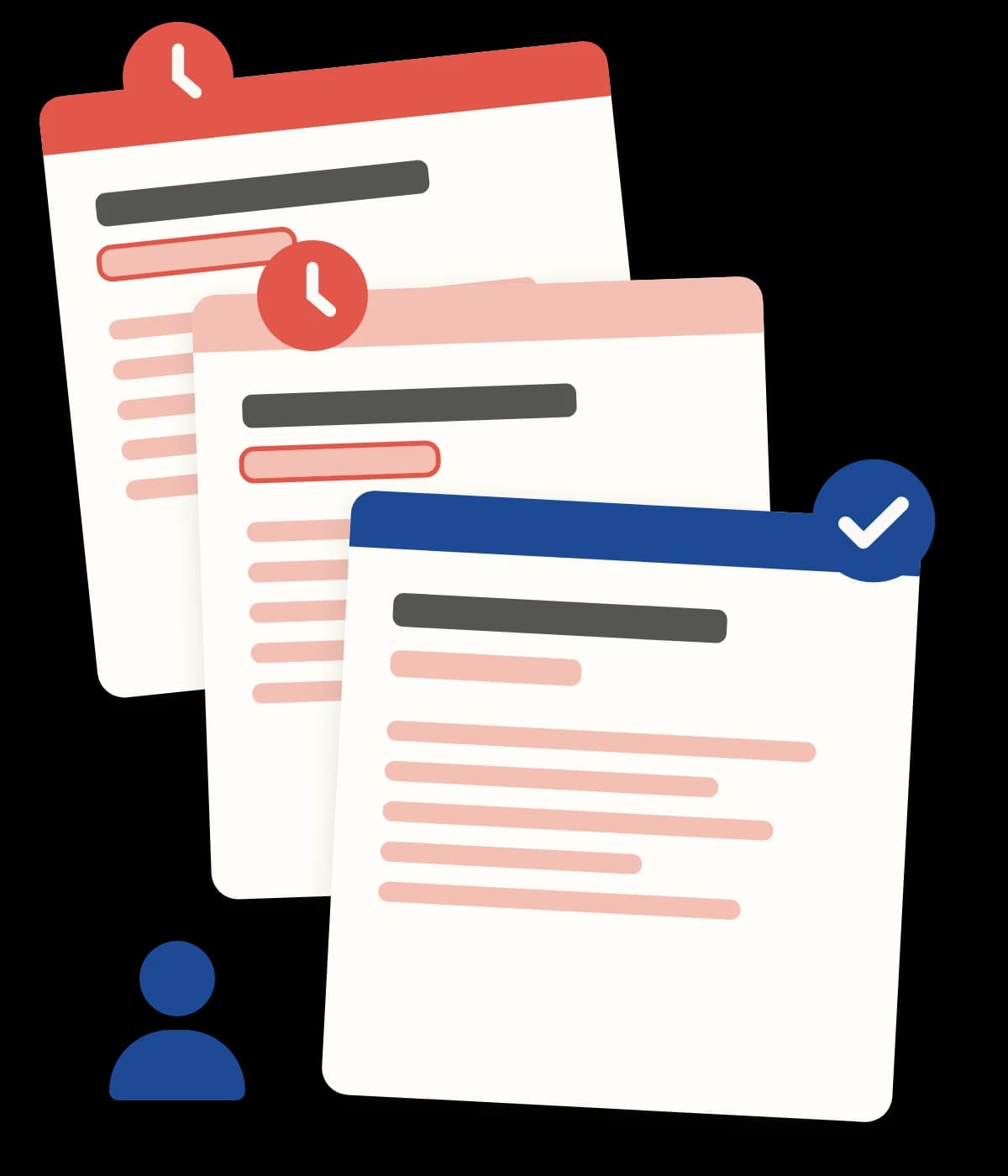
The same policy often lives in three places, with three different dates. Staff usually know which copy to trust, or they ask a colleague. Copilot doesn't know which copy staff trust. It might quote the wrong one and sound very sure about it.
Content that nobody owns
A team builds a site for a project. The project ends, and people move on. Nobody looks at those pages again, so nobody notices when they go out of date, and Copilot keeps reading them. A site for an office move that finished years ago can still be the source Copilot cites when someone asks how to get a parking pass.
Four pieces of work that prepare SharePoint for Copilot
Getting ready comes down to four pieces of work. Each one deals with one of the problems above, and the fourth makes sure the fixes show up in search and in Copilot's answers.
1. Permissions. We find the files and sites that are shared more widely than they should be, and set access so people see what they need.
2. Structure. Content gets a clear home, with sites and navigation that make sense to the people using them.
3. Ownership. Every site and every important page gets a named owner, and a simple routine for reviewing old content and taking it down.
4. Findability. We make sure the current version of a policy or guide is the one people find first, and that old copies are gone, so Copilot finds it too.
For more on what the work covers, see our AI and knowledge management page.
How does a Copilot readiness project work in practice?
It starts with a short look at what you've got: which sites exist, who can open them, and which ones anyone still uses.
Then we agree with you what to fix and what to leave alone, before any work starts. The scope is fixed, so you know what you're getting and when it ends.
Most of the fixing happens in your own Microsoft 365. We tighten the sharing, move content to a sensible home, and take down what's out of date. For example, an HR policies site shared with "Everyone except external users" can be narrowed to the HR team members who need it.
Then we test the result. We ask Copilot the questions your staff really ask, signed in as a typical staff member, and check that the answers point to the right files. Going back to the travel policy example, once there's one current version with an owner, that's the one Copilot quotes when we test it.
How do you keep SharePoint ready after the project?
Content drifts. New sites appear, people leave, and policies change.
So we hand over a short guide for each site owner. It says what they own, how often to check it, and what to do when something's out of date. If you'd like help after that, there's ongoing support for a fixed monthly fee, with regular checks on sharing and old content. This steady housekeeping keeps Copilot's answers pointing at the right files.
Do you need to build AI agents?
This work doesn't mean building AI agents. Plenty of organizations will only ever use Microsoft Copilot as it comes, and that's fine. Tidy, owned, well-structured content gives better answers either way. If you do decide to build agents later, the groundwork is already done.
Frequently asked questions
What does it mean to prepare SharePoint for Copilot?
It means checking who can open which files and sites, giving content a clear home and a named owner, and removing old copies so the current version is the one people and Copilot find first.
Why do overshared files matter more once Copilot is switched on?
Licensed Microsoft Copilot answers from the files, pages, and messages the person asking can already open. A folder shared with everyone by mistake was hard to stumble on by browsing, but Copilot can find it in seconds for anyone who asks the right question.
Is Copilot readiness the same as building AI agents?
Copilot readiness for SharePoint is about the content Copilot reads, and agents are a separate decision. Many organizations only ever use Microsoft Copilot as it comes. If you build agents later, the same groundwork helps them too.
Who keeps the content current afterwards?
Your named site owners, using a short guide that says what they own, how often to check it, and what to do when something is out of date. Ongoing support for a fixed monthly fee is available if you want help. Want to know what Copilot will find in your SharePoint? We have 25 years of SharePoint intranet experience. Our page on [SharePoint content people and AI agents can trust](/sharepoint-content-for-copilot) explains how we review your sites, fix what we find, and test the answers before you roll Copilot out more widely. Ready to improve the employee experience? [Contact us](/contact)
Keep exploring intranet discovery
Read more guides on the topic hub, or talk to us about a SharePoint intranet design and build.